
How to Check Aadhaar Update Status Online in 2026: Aadhaar card is one of the most significant identifying cards of India. It is utilised for different services including banking government schemes, cellphone sim verification, school admission and many other .
If you have updated your Aadhaar details, you can quickly follow the status of your request online. This way you can see if your request is still going or has already finished.
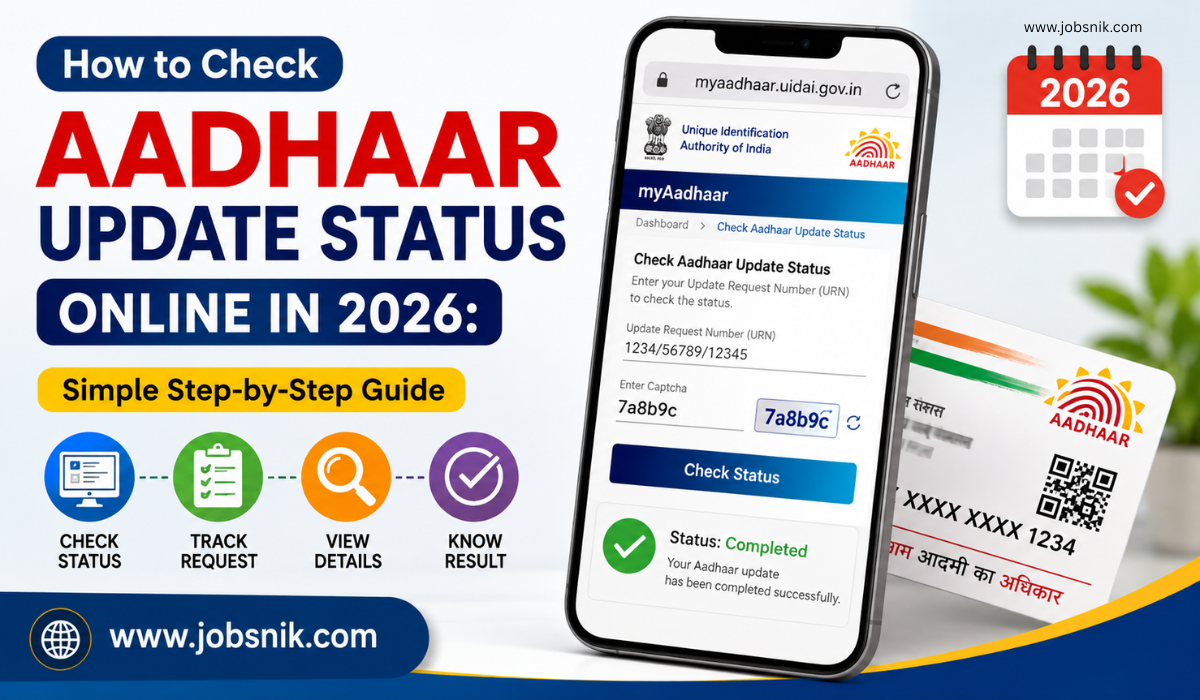
Aadhaar Update Status at a Glance
| Service Name | Aadhaar Update Status Check |
| Issued By | Unique Identification Authority of India (UIDAI) |
| Mode | Online |
| Required Details | Update Request Number (URN) or acknowledgement details |
| Status Available | Under Process, Approved, Completed |
| Official Website | UIDAI |
Who Can Check Aadhaar Update Status?
Any Aadhaar holder can check the update status if they have already submitted an Aadhaar update request.
You can check the status after applying for updates such as:
- Name
- Address
- Date of Birth
- Gender
- Mobile Number
- Email ID
- Photograph
- Biometric Details (Fingerprint and Iris)
Details Required to Check Aadhaar Update Status
Before checking the status, keep the following ready:
- Update Request Number (URN) or acknowledgement receipt
- Aadhaar number, if required
- Registered mobile number (for some services)
How to Check Aadhaar Update Status Online
Follow these simple steps:
| Step | What You Need to Do |
| Step 1 | Open the official UIDAI website or the myAadhaar portal. |
| Step 2 | Go to the Check Aadhaar Update Status service. |
| Step 3 | Enter your Update Request Number (URN) or the required details. |
| Step 4 | Complete the security verification, if asked. |
| Step 5 | Click on Check Status. |
| Step 6 | Your Aadhaar update status will appear on the screen. |
What Does the Aadhaar Update Status Mean?
After checking the status, you may see one of the following messages:
| Status | Meaning |
| Under Process | Your update request is being checked by UIDAI. |
| Approved | Your request has been accepted. |
| Completed | Your Aadhaar has been updated successfully. |
| Ready for Download or Delivery | Your updated Aadhaar is ready to download or your PVC Aadhaar is being prepared if applicable. |
What to Do If the Status Is Still Under Process?
If your request is still under process:
- Give it some more time.
- Please recheck the status after few days.
- Store your acknowledgement receipt safely.
- If the status doesn’t change for a long time, then you can contact UIDAI.
Why It Is Important to Check Aadhaar Update Status
Checking the status helps you:
- Find out if your update request is complete.
- Think about if more action is needed.
- Once it is approved, download the updated Aadhaar.
- Don’t wait to use Aadhaar for banking, KYC, government services, etc.
Important Points
- Save your URN or acknowledgement receipt until the change is complete.
- Check your Aadhaar Status only on the official UIDAI website.
- Some Aadhaar updates may take additional time depending upon the type of update requested.
- If UIDAI demands biometric verification or other documentation, go to an Aadhaar Enrolment/Update Centre
FAQs
Can I check my Aadhaar update status online?
Yes. UIDAI provides an online service to check the status of your Aadhaar update request.
What do I need to check the Aadhaar update status?
You generally need your Update Request Number or the acknowledgement details received after submitting the update request.